For Hotels
Every screen in your hotel, working for your brand.
From the lobby to the ballroom to the in-room TV, picnplay turns ordinary screens into curated, always-on displays you control from a phone — and lets event guests cast their own photos live. No app, no cables, no IT ticket.
30s
from blank screen to live content
0
apps to install on any TV
∞
screens from one account
24/7
always-on, self-healing loops
The problem
Hotel screens are either blank, broken, or stuck on a logo from 2019.
Lobby TVs run a screensaver
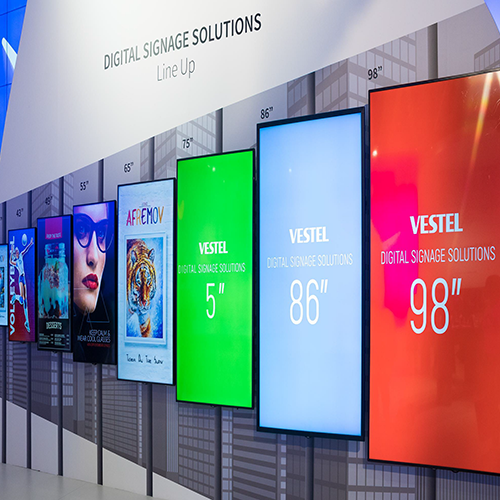
Expensive screens sit idle showing a clock or a frozen slideshow nobody updates because it means calling IT.
Signage systems cost a fortune
Traditional digital-signage software bills per screen, locks you into hardware, and needs a specialist to change a single image.
In-room content never changes
The welcome channel is generic and dated. There's no fast way to personalize it for a VIP, a wedding block, or a conference.
Event guests have nowhere to share
Weddings and galas generate hundreds of photos that never make it onto the big screen in the room.
Every screen is a different system
Lobby, restaurant, ballroom and rooms each have their own remote, input, and quirks — staff waste time, guests see dead screens.
Updating means being on-site
Changing what's on a screen requires someone physically at the TV with the right cable and password.
The solution
One link turns any screen into a display you run from your pocket.
Any screen, instantly
Open a URL on any TV, projector, or browser — a code appears and it's live. No app to sideload, no account on the screen.
Always-on curated loops
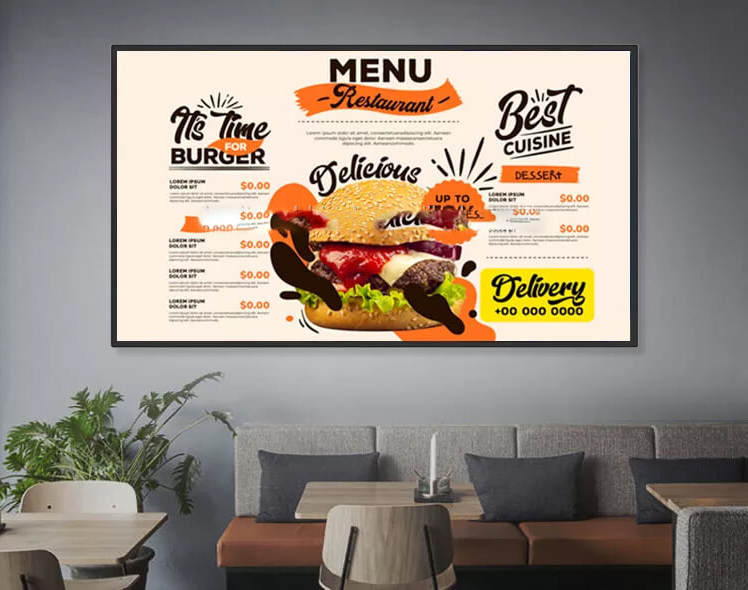
Bind an album to a display and it loops 24/7 on its own — promotions, amenities, local guides — with no laptop plugged in.
Update from your phone
Swap what's playing in seconds from anywhere. Front desk can refresh the lobby without leaving the desk.
Live guest casting for events
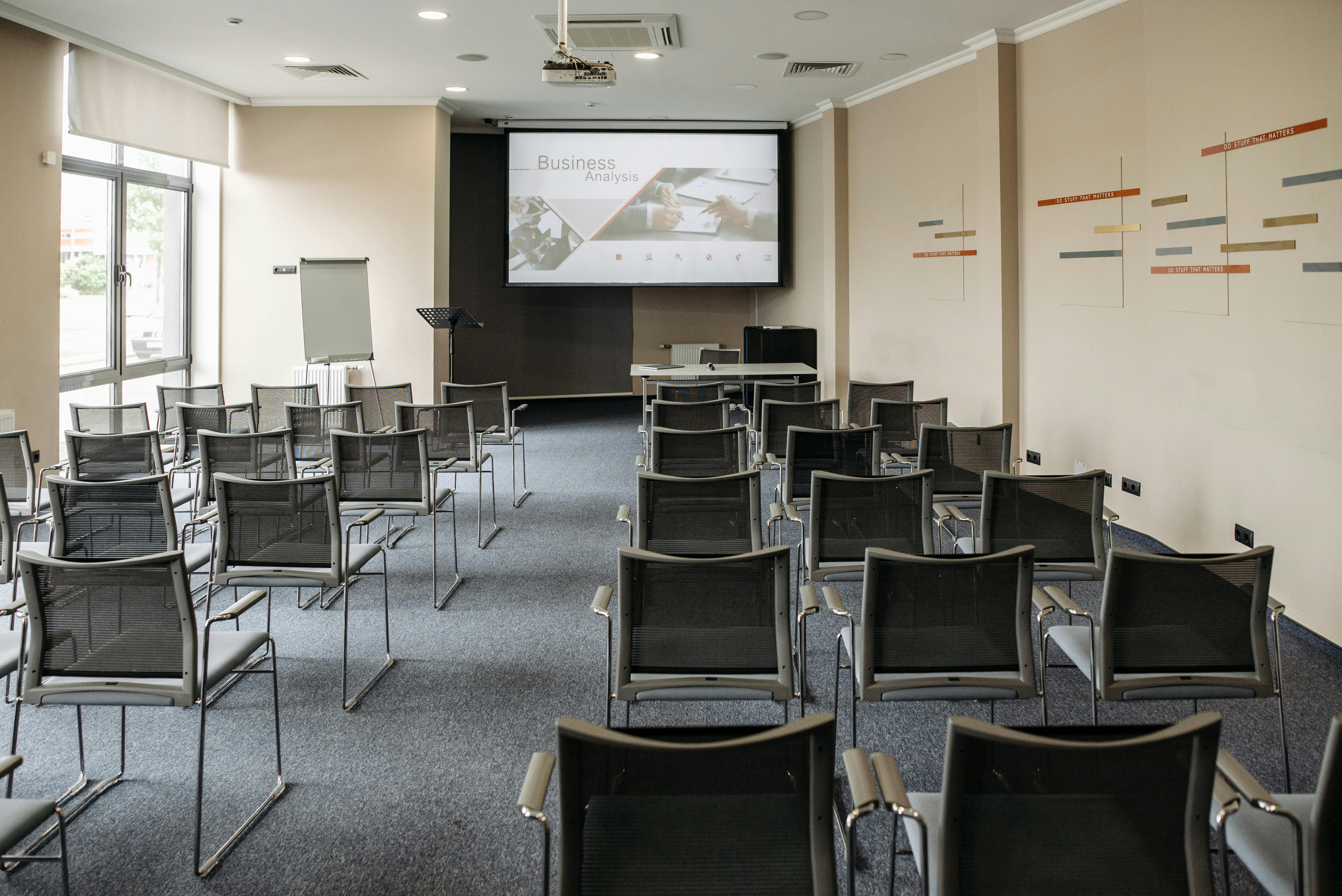
Guests scan a QR and their photos appear on the ballroom screen in real time — a wedding photo wall with zero setup.
You control who can cast
Managed displays let only staff or invited collaborators post — no surprises on a screen in a public space.
Scale across the property
Run every screen in the building from one account, each with its own content. Add a screen, paste a link, done.
In the wild
From check-in to last call.
Frequently asked questions
Do we need to install anything on our TVs?
No. Any TV with a web browser, or any device that can open a URL (a cheap streaming stick works), can be a display. You just open the display link — a code appears and content streams to it.
Can the screen run on its own with no laptop attached?
Yes. On our Business plan you can bind an album to a display and make it always-on: it loops that content 24/7 on its own and self-heals after a power cut or network blip.
Can we stop guests from posting inappropriate content?
Yes. Managed displays restrict casting to staff or invited collaborators, so public-facing lobby and restaurant screens only ever show what you approve. Open guest casting is opt-in, per display.
How is this different from traditional digital signage?
No per-screen hardware contracts, no specialist software, and you update everything from a phone. It's built to be live in minutes, not provisioned over weeks.
How many screens can we run?
As many as you like from a single Business account — each with its own content. Lobby, restaurant, ballroom, and every guest-facing screen can run independently.
See it on your screens.
Book a 15-minute walkthrough and we'll show you exactly how it would run across your property.
No app install · No account on the screen · Live in minutes