
For Educational Institutions
Every classroom and hallway screen, actually used.
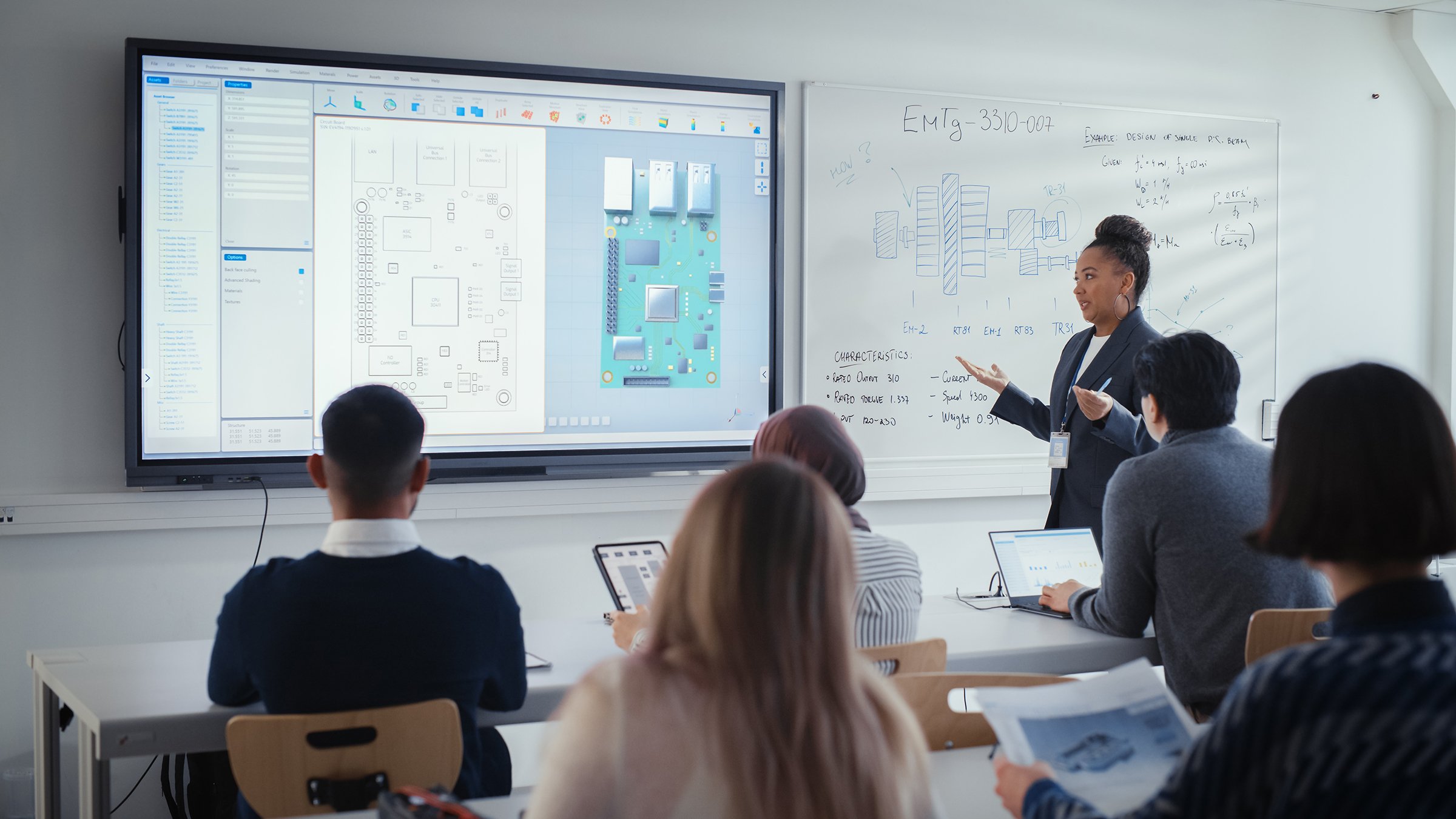
Lessons on the board, announcements in the hallways, student work in the commons, and events in the hall — picnplay turns campus screens into live displays anyone can cast to. No app, no AV cart, no IT ticket.
30s
to cast to any screen
0
apps to install or manage
∞
screens from one account
24/7
always-on hallway boards
The problem
The screens are everywhere on campus. Using them is the hard part.
Casting to the classroom screen fails
Teachers fight adapters, dongles, and 'no signal' instead of putting work on the board in seconds.
Hallway boards go stale
Announcement screens loop last term's content because updating them means finding IT and a cable.
Student work stays in folders
Projects, art, and achievements never reach the common-area screens where the community would see them.
Events need an AV booking
Assemblies and open days hinge on AV staff wrangling cables and laptops minutes before start.
Every room is a different setup
Each classroom has its own remote, input, and quirk, so staff waste time and screens sit dark.
Signage software is enterprise-priced
Dedicated campus-signage platforms are costly and slow, needing a specialist for a single change.
The solution
One link makes any campus screen usable.
Cast to the board instantly
Open a URL on the classroom screen and teachers or students cast from any device — no dongles, no 'no signal'.
Always-on hallway boards
Bind content to a screen and it loops 24/7 on its own — announcements, schedules, deadlines — self-healing, no laptop attached.
Showcase student work
Put projects, art, and achievements on common-area screens in real time from a phone.
Painless assemblies & open days
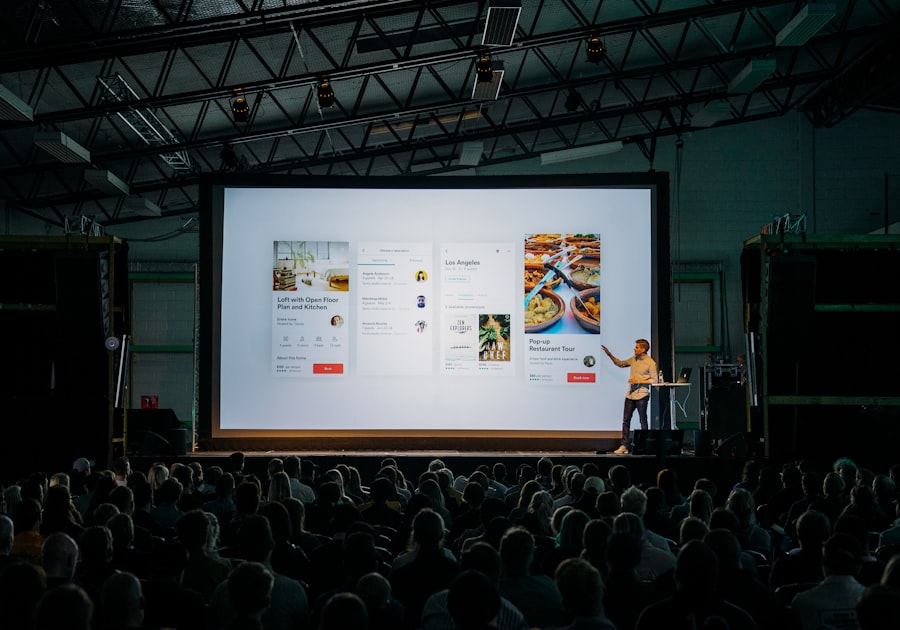
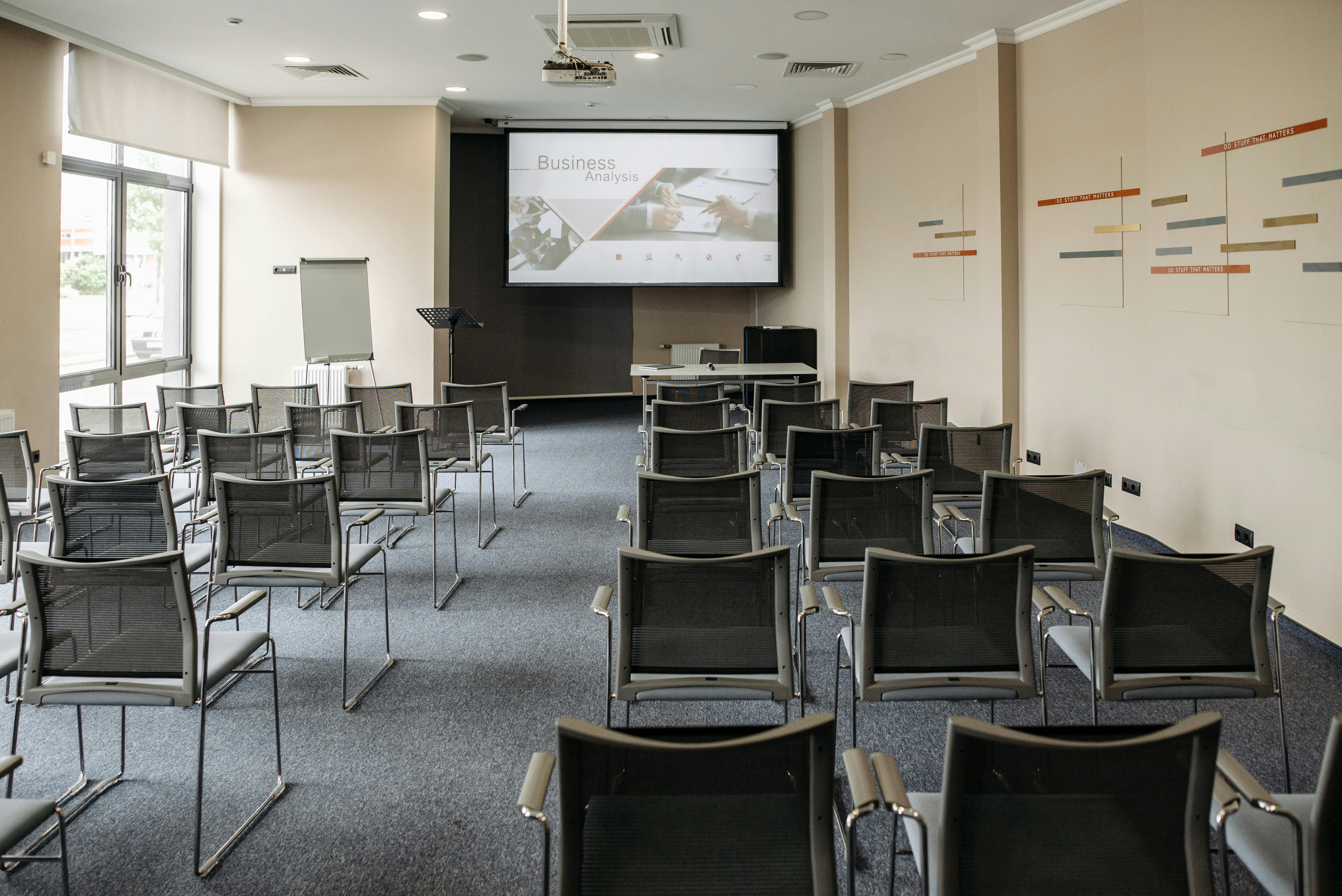
The hall screen is just a URL; multiple displays stay in sync for overflow rooms — no AV booking.
Safe and access-controlled
Managed displays restrict posting to staff or approved students, so public screens only show approved content.
One account, whole campus
Run every classroom, hallway, and hall screen from a single account, each with its own content.
Across campus
Classrooms, hallways, and halls.
Frequently asked questions
Do teachers or students need to install an app?
No. Displays are a URL on any screen, and people cast from any device's browser by scanning a code — nothing to install, no account on the screen.
Can hallway boards run unattended?
Yes. On the Business plan you bind content to a display and make it always-on — it loops 24/7 and recovers automatically after a power or network interruption.
Is it safe for a school environment?
Yes. Managed displays restrict who can post, so public screens only ever show approved content. Casting can be limited to staff or specific students.
Does it work for assemblies across multiple rooms?
Yes. Multiple displays joined to the same room stay in sync, so overflow rooms show the same thing at the same moment.
How many screens can we run?
As many as you like from one account — every classroom, hallway, and hall, each with its own content.
Make every campus screen usable.
Book a 15-minute walkthrough and we'll show you classrooms, hallway boards, and assemblies running on picnplay.
No app install · No account on the screen · Live in minutes