For Coworking Spaces
Make your space feel alive, on every screen.
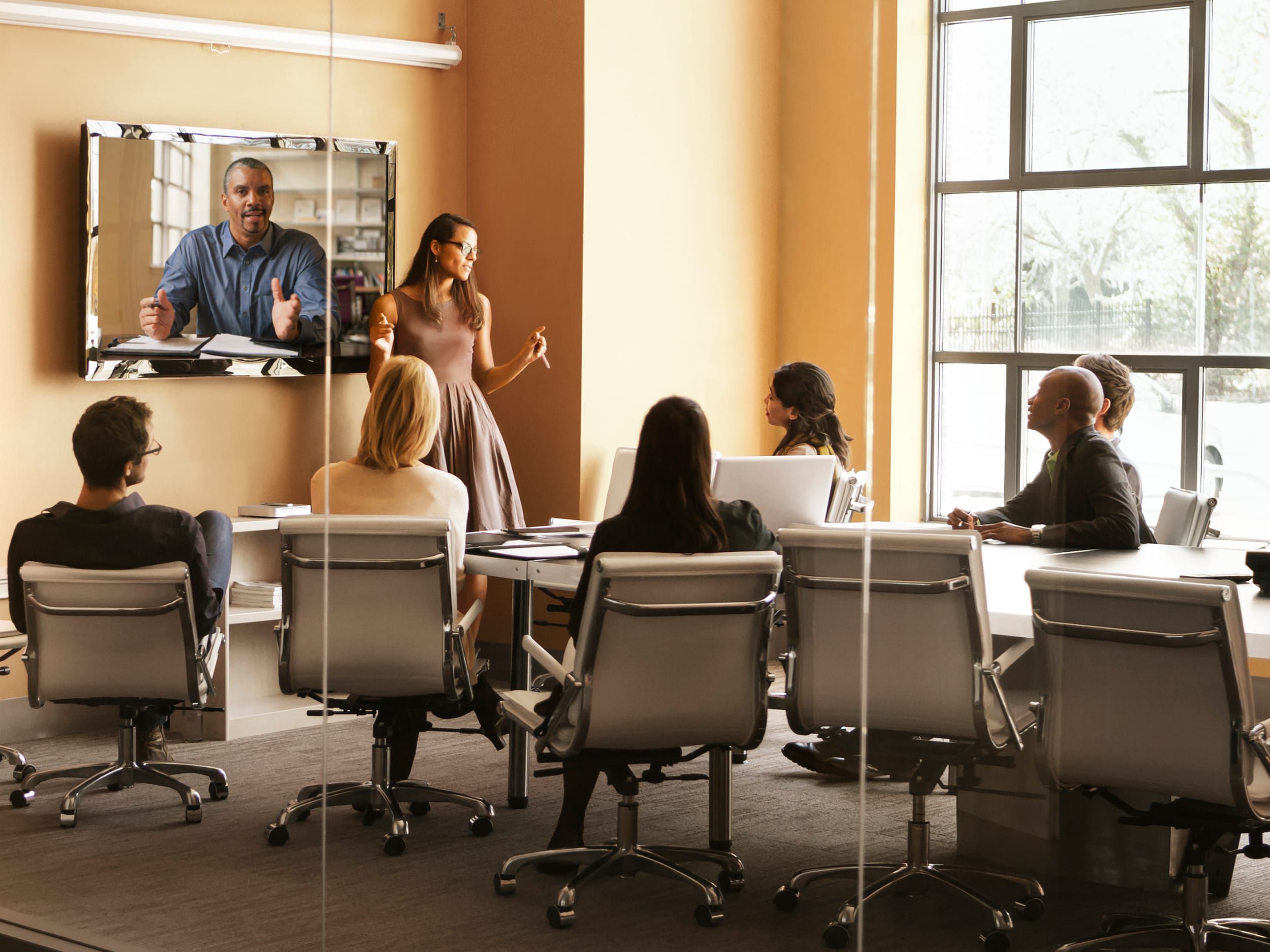
Lounge boards, reception welcomes, event promos, and members' nights — picnplay turns every screen in your space into a living community display you run from a phone. No app, no cables, no AV hire.
30s
to update any screen
0
apps for members or staff
∞
screens from one account
24/7
always-on community loops
The problem
Your community is buzzing. Your screens look dead.
Event promos live on paper
Workshops and members' nights get a flyer by the coffee machine instead of the lounge screen everyone actually looks at.
Reception feels generic
New members and day-pass guests arrive to a blank or logo-only screen instead of a warm, branded welcome.
Updating means a laptop run
Changing what's on a screen means someone walking over with a cable and the right password.
Signage tools are built for chains
Enterprise signage software is overkill and overpriced for a community-driven space that changes content daily.
Events leave no trace on screen
Members' nights generate great photos that never make it onto the big screen in the room, live.
Multiple locations, no consistency
Each site runs its screens differently, so brand and messaging drift across your network.
The solution
One link turns any screen into your community board.
Promote what's on
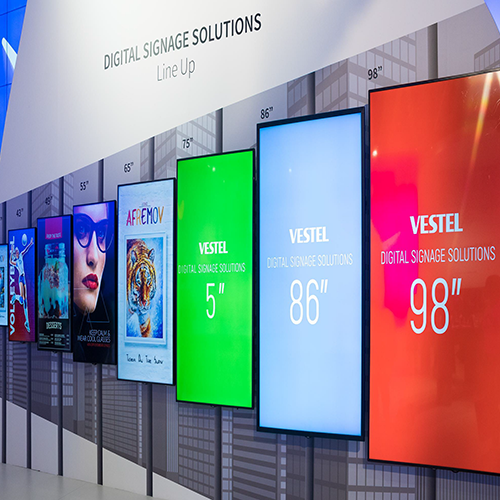
Loop this week's events, workshops, and members' perks on the lounge screen — update it the moment plans change.
Warm member welcomes
Greet new members and day-pass guests by name at reception, set up in seconds from a phone.
Always-on lounge loops
Bind an album to a screen and it runs 24/7 on its own — community highlights, partners, house rules — no laptop attached.
Live casting at members' nights
Members scan a QR and their photos hit the big screen in real time — instant energy at events, zero setup.
You decide who can post
Managed displays keep public screens on-brand; open casting is opt-in for the moments you want it.
Consistent across every site
Run all your locations' screens from one account, each with its own content but one consistent brand.
Around the space
Lounge, reception, and event nights.

Frequently asked questions
Do members or staff need an app?
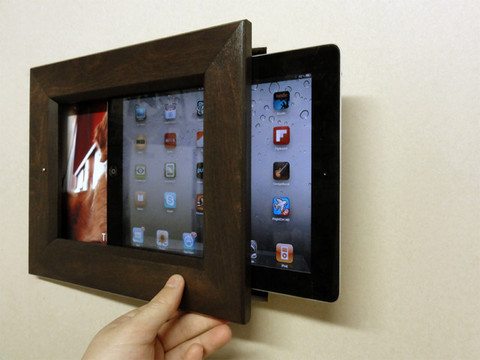
No. Displays are just a URL on any screen, and members cast from their phone browser by scanning a code — nothing to install, no account needed on the screen.
Can a lounge screen run on its own all day?
Yes. On the Business plan you can bind content to a display and make it always-on — it loops 24/7 and self-heals after a power or network interruption.
Can we keep public screens on-brand?
Yes. Managed displays restrict who can post, so lounge and reception screens only show approved content. You can still switch on open member casting for events.
Does it work across multiple locations?
Yes. Run every site's screens from one account, each with its own content — ideal for keeping a multi-location network visually consistent.
How fast can we change what's playing?
Seconds, from any phone. Swap the event promo or the welcome message without leaving the front desk.
Give your community the screens it deserves.
Book a 15-minute walkthrough and we'll show you lounge, reception, and event nights running on picnplay.
No app install · No account on the screen · Live in minutes