For Corporate Offices
Your office screens should say something. Make them.
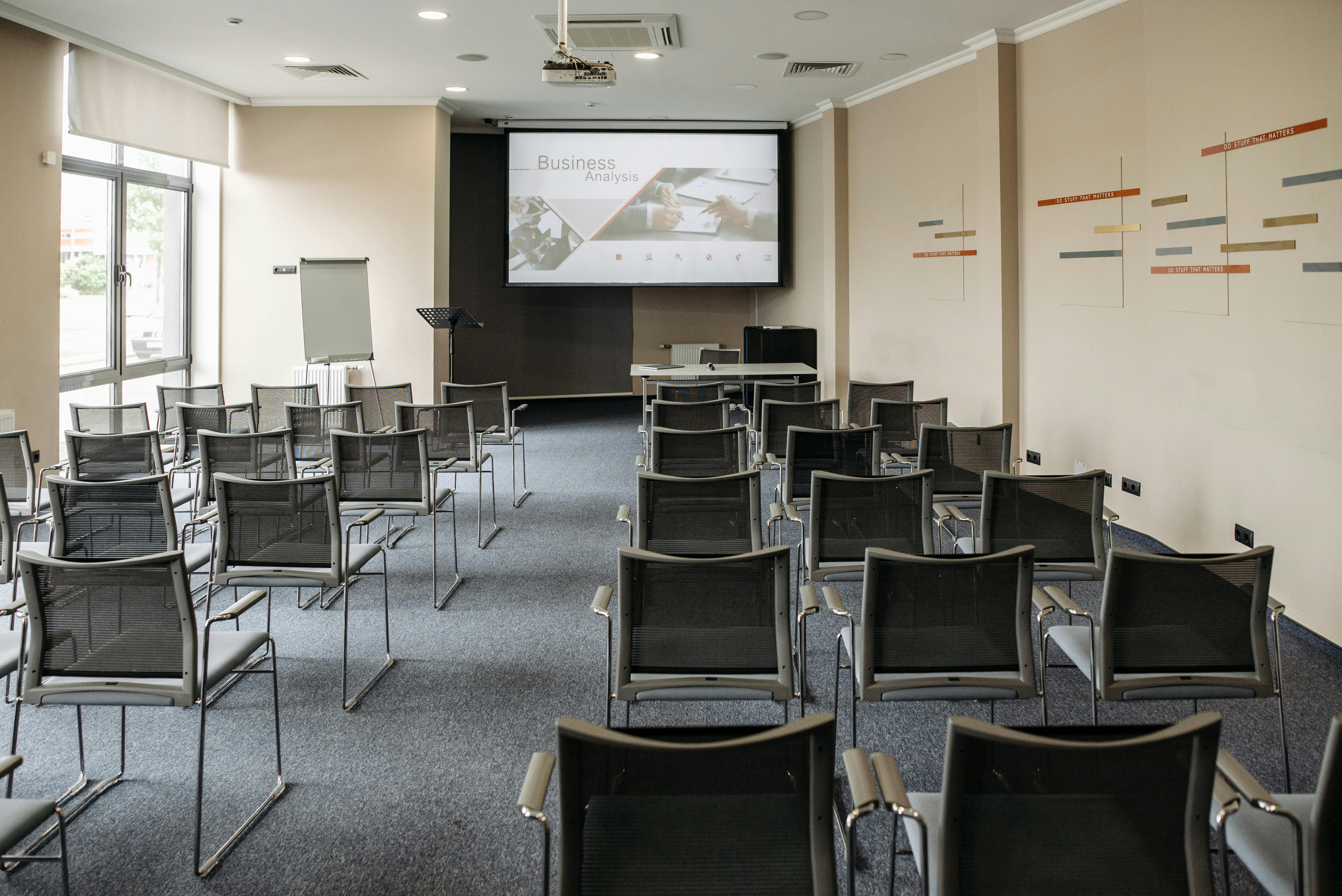
Reception welcome boards, floor dashboards, all-hands backdrops, and culture walls — picnplay turns every office screen into a live display your team controls from a phone. No AV cart, no app, no ticket to IT.
30s
to put content on any screen
0
AV setup or cables
∞
screens, one account
24/7
always-on reception loops
The problem
The screens are already there. They're just doing nothing.
Reception shows a logo
A premium lobby screen looping a static logo is a wasted first impression for every visitor and candidate who walks in.
Welcoming a client is a project
Putting a guest's name on the lobby screen means finding the AV person, the right cable, and the one laptop that connects.
All-hands AV is fragile
Town halls hinge on someone wrangling HDMI, adapters, and a frozen presenter screen five minutes before start.
Internal comms don't reach the floor
Wins, OKRs, and announcements live in Slack and email — never on the screens people actually walk past.
Signage software is overkill
Enterprise signage platforms are expensive, slow to change, and need a specialist just to swap one slide.
Culture is invisible on the walls
Offsite photos, new-hire welcomes, and team moments never make it onto a screen anyone sees.
The solution
Run every office screen from one link.
Branded reception in seconds
Open a URL on the lobby screen and it's a live, on-brand welcome board — personalize it for a visiting client instantly.
Always-on dashboards & loops
Bind an album to a screen and it loops on its own 24/7 — KPIs, values, announcements — no laptop tethered to it.
Update from anywhere
Anyone you authorize can change what's playing from their phone — no AV team, no waiting.
Painless all-hands
The big screen is just a URL. No adapters, no dongles — and multiple screens stay in sync for overflow rooms.
Managed & access-controlled
Lock public-facing screens so only approved staff can post. No surprises in reception.
Bring culture onto the wall
Offsite recaps, new-hire welcomes, and team highlights, cast to the floor in real time from a phone.
Around the office
Reception to all-hands.

Frequently asked questions
Do we need to install software on our screens?
No. Any screen with a browser — or a cheap streaming stick plugged into it — can be a display. You open the display URL and content streams to it. Nothing to provision.
Can a screen run unattended all day?
Yes. On the Business plan you can bind content to a display and make it always-on, so it loops 24/7 and recovers automatically after a network or power blip.
Who can change what's on a screen?
You decide. Managed displays restrict posting to specific people, so reception and floor screens only ever show approved content. You can update from any phone or laptop.
Does it work for all-hands across multiple rooms?
Yes. Multiple displays joined to the same room stay in sync, so overflow rooms and breakouts show the same thing at the same moment.
Is this secure enough for a corporate environment?
Casting can be locked to named collaborators, rooms are private to a code, and nothing requires an account on the screen itself. You control exactly who can publish.
Put your office screens to work.
Book a 15-minute walkthrough and we'll show you reception, floor, and all-hands running on picnplay.
No app install · No account on the screen · Live in minutes